


Download & Install Fruitly from the App Store or Google Play.
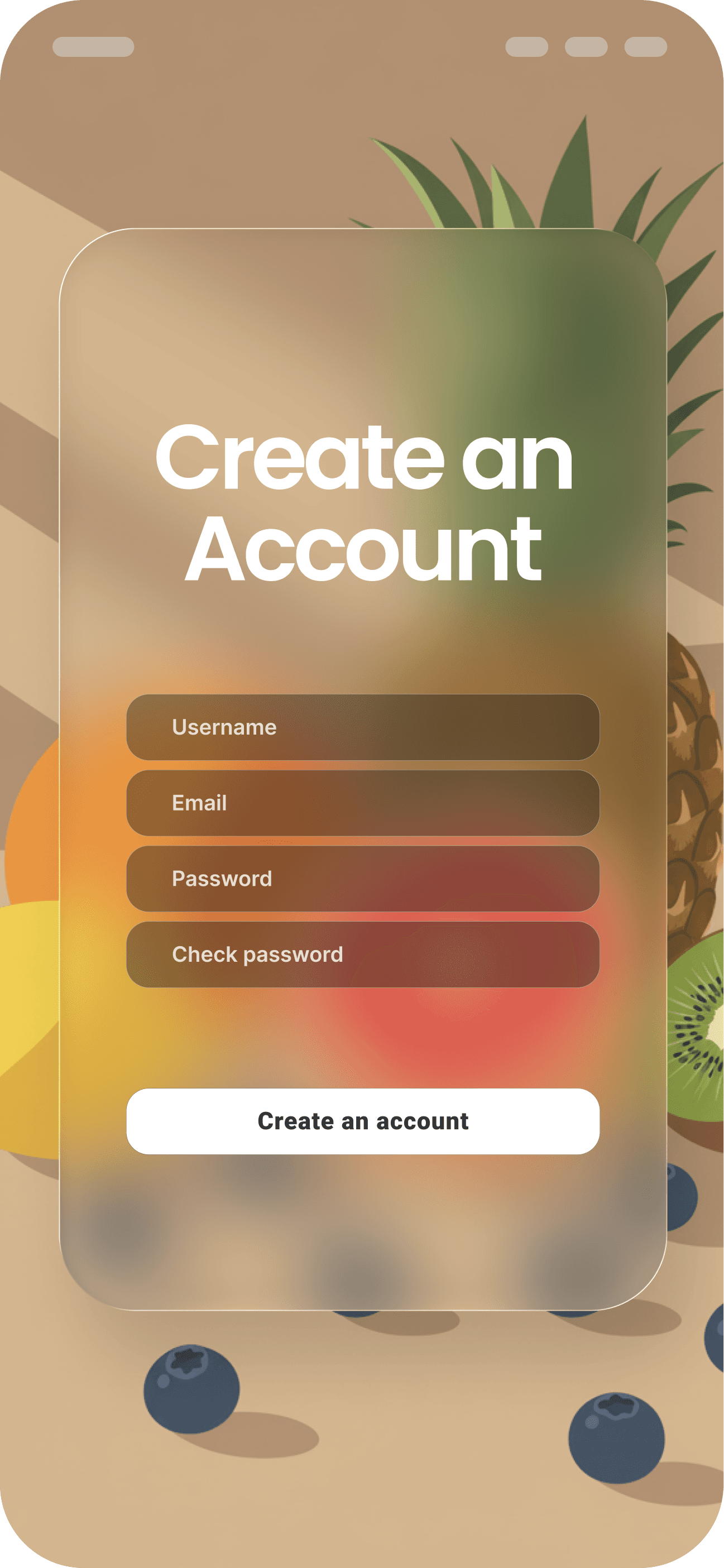
Create an Account
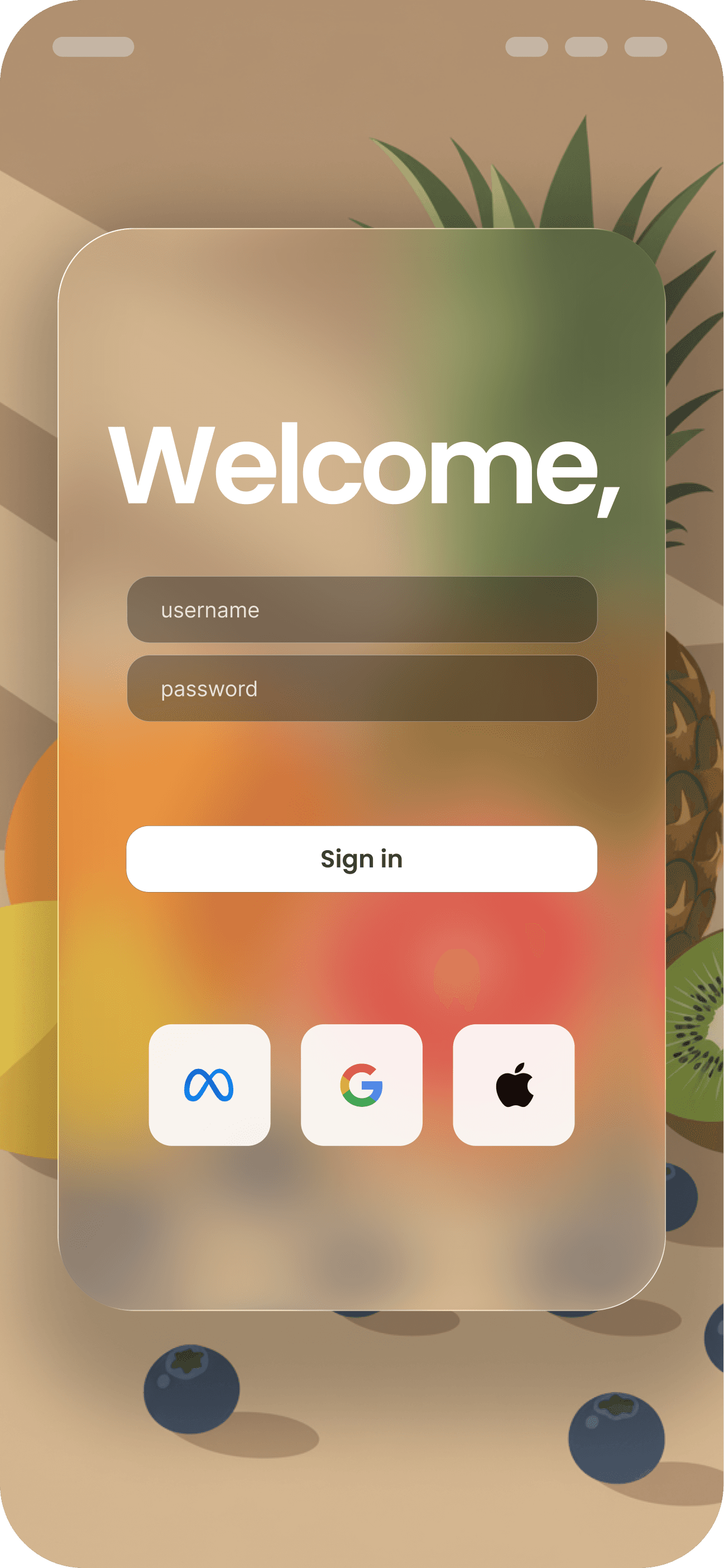
Sign up with your email or social login.
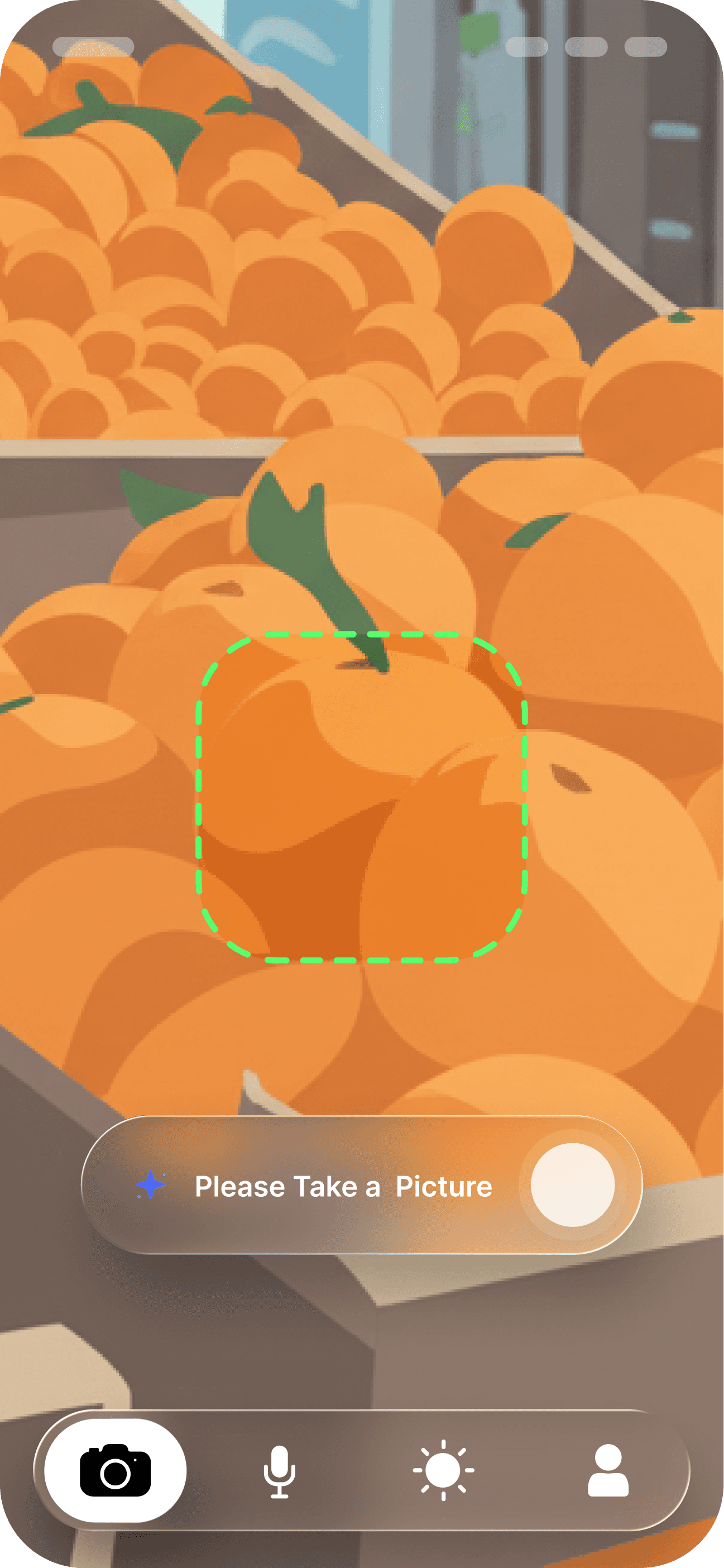
Open the app and tap the Scan button.
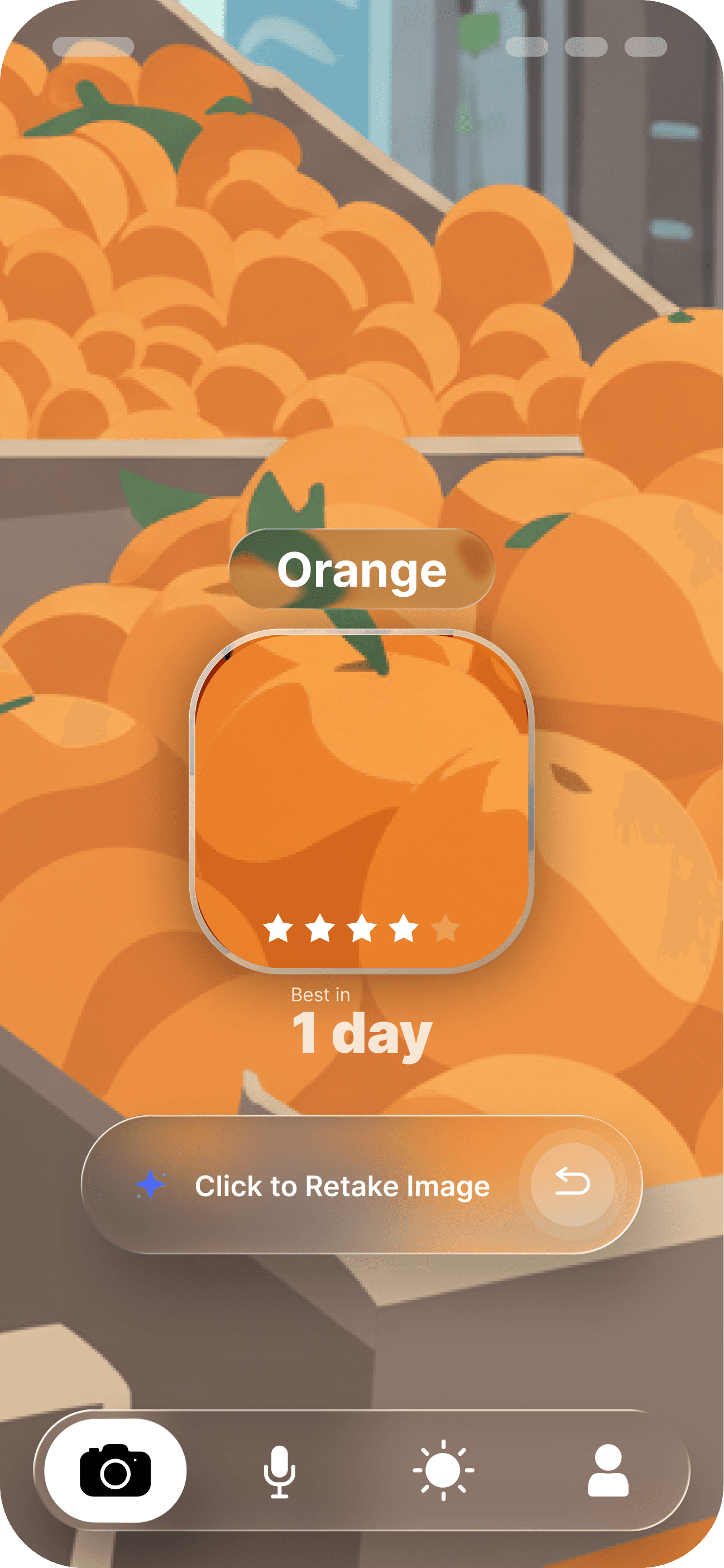
Point your camera at the fruit or upload a photo. Fruitly will instantly identify the fruit.
Results include:
Fruit name
Ripeness level (when supported)
Additional info like nutrition and seasonality
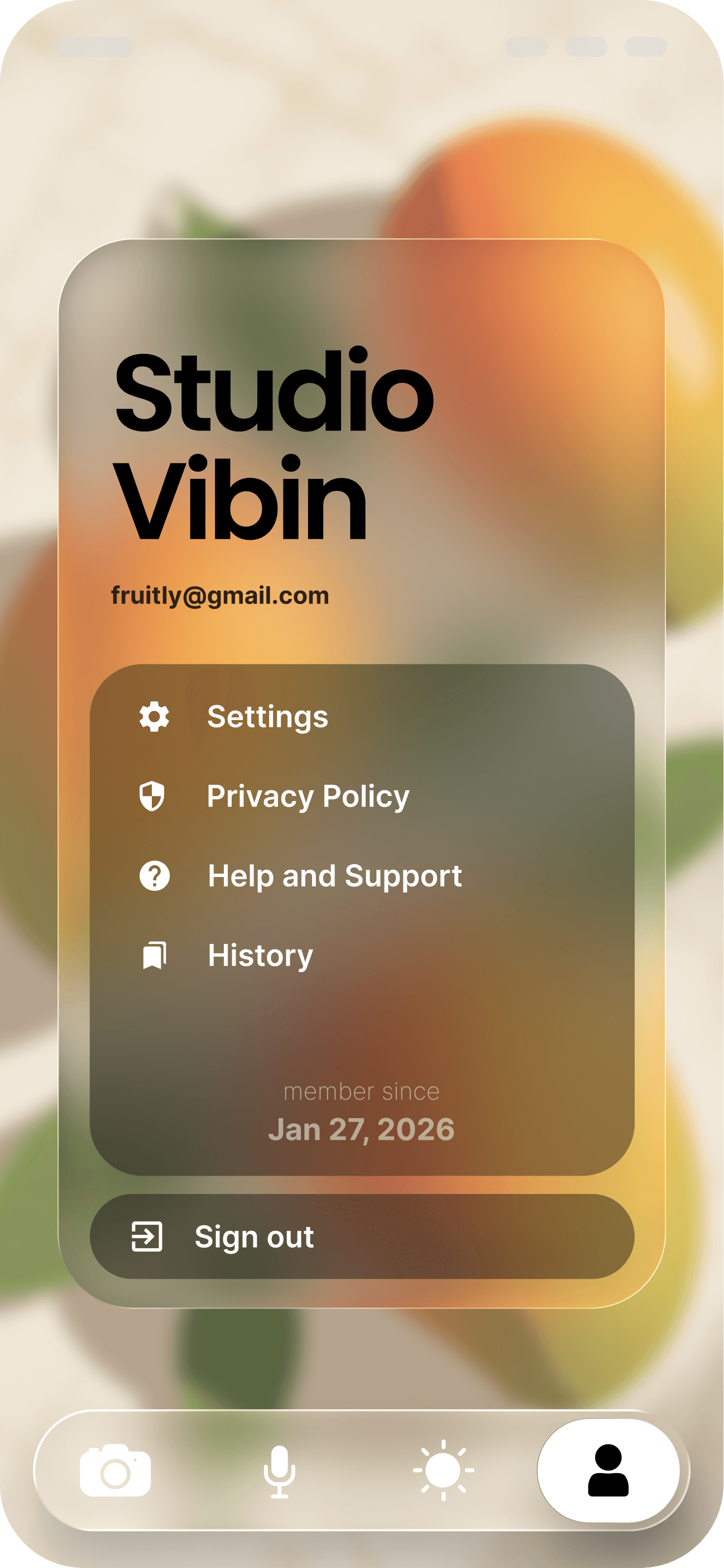
Profile:
View or edit your account details.
Permissions:
Control camera, storage, and notifications.
Default Scan Mode:
Choose between quick scan or detailed analysis.
Storage & Data Usage:
Manage how scans are saved and data is handled.
Notification Settings:
Get alerts for tips and updates.
Image Quality:
Adjust scan resolution.
Show Scientific Names:
Toggle between common and scientific fruit names.
Consent Settings:
Control how your data is shared.
Delete My Data:
Permanently erase your account and history.
FAQ: Answers to common questions.
Report an Issue: Tell us about bugs or errors.
Contact Support: Reach our team for help.
User Guide: Access this page anytime for assistance.
Terms of Use: Learn your rights and responsibilities.
Third-Party Access: Understand integrations with other tools.
Data Usage: Review how Fruitly handles your information.

